A Comprehensive Guide to Guided Notes
In Modern Classrooms, students often learn new content by watching instructional videos.
Pairing guided notes with instructional videos can:
Increase with learner engagement
Improve retention of content
Be a valuable learning tool
Lead to increased academic performance
Foster executive functioning skills
Guided notes keep students engaged, help students retain what they see, and improve students’ academic performance (Konrad et al., 2011).
Guided notes can be incorporated into any content area and allow students to become active participants in their learning.
Types of Guided Notes
Guided notes come in many shapes and sizes. Here are several templates that Modern Classroom educators can use:
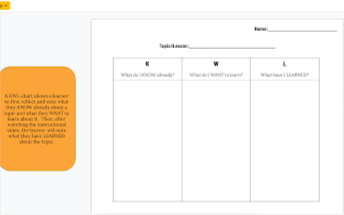
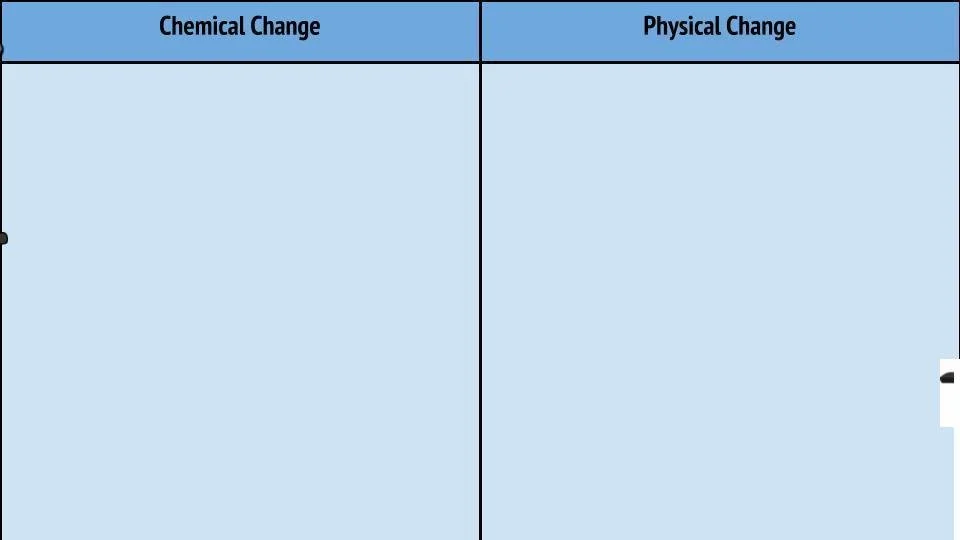
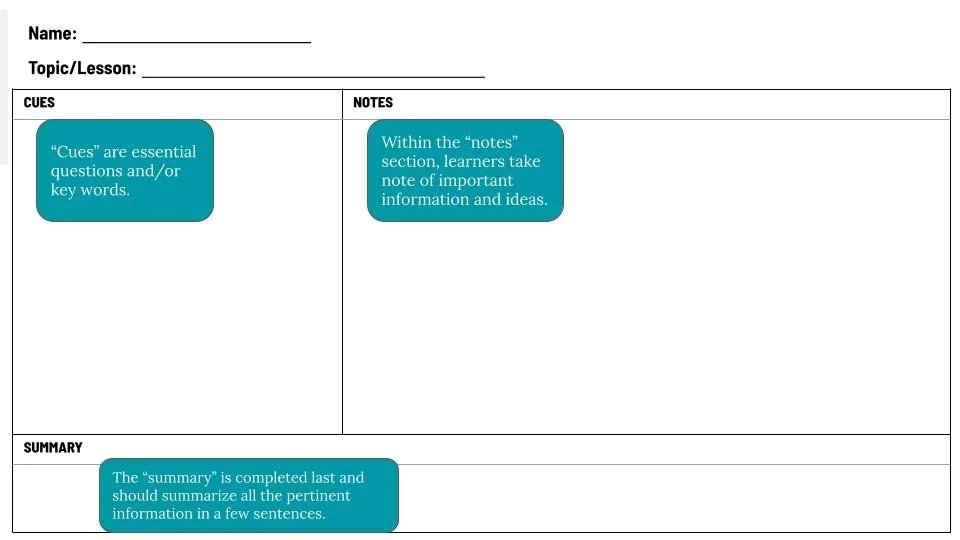
Graphic organizers help students to organize their thoughts while interacting with an instructional video or other instructional content. When picking the best graphic organizer for your guided notes, consider how the note structure will support student learning.
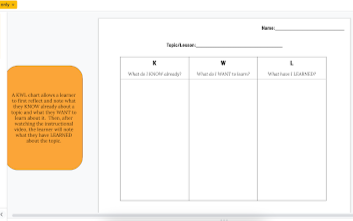
KWL Chart
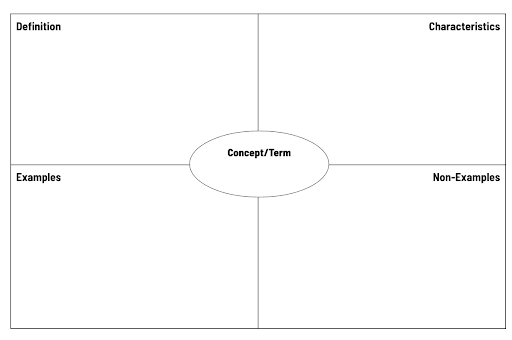
Frayer Model
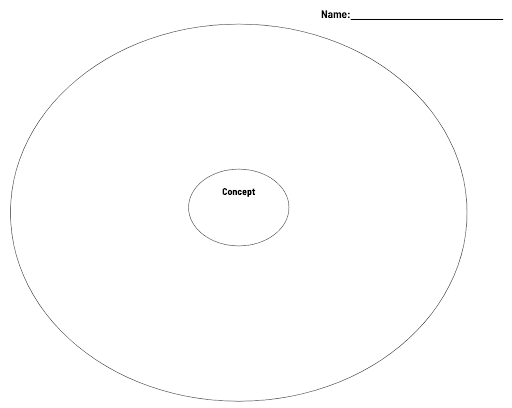
Circle Map
Download any of these templates to support your own students.
Scaffolded Notes
Scaffolded note structures can keep students engaged and help them retain content from videos. Scaffolded notes provide additional structures to help students stay engaged and allow them to retain content from videos.
Scaffolded notes may utilize the following structures:
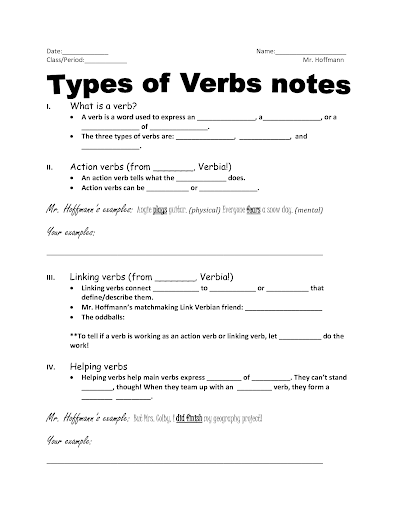
Fill-in-the-blank
Copies of video slides with content removed
Sorting/moving text and/or photos
Problem solving
Digital or paper format
Curricular tools (student work books)
Like with graphic organizers, as you are determining what type of scaffolded notes to use, consider how the note structure you provide will support student learning.
Types of Scaffolded Notes: Skeleton Notes
Skeleton notes, sometimes referred to as fill-in-the-blank, incorporate lesson content information with strategic “blanks” in which students fill in information.
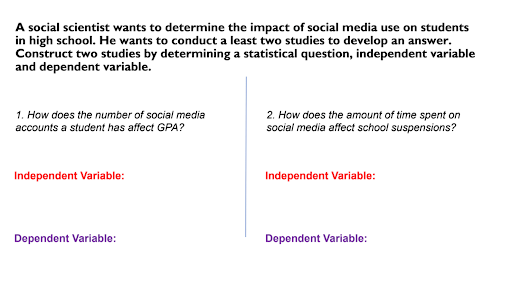
Some educators make their own skeleton notes, while others print out their instructional slides for students to complete.
Within the instructional video, educators fill in the blanks, either through text, transitions, or on screen annotations. Students then fill in their notes.
Skeleton notes can be in both digital and paper formats.
Types of Scaffolded Notes: Sorting
Sorting notes let students sort (either digitally or in a cut and paste format) pertinent information together. This can be a great way to introduce notes to younger learners and/or learners who are new to taking notes. Within the instructional video, teachers either sort the information themselves, or have the information appear in the correct spot so that students can then engage in sorting.
Sarah Moon has created a tutorial on how to create your own digital sort in Google Slides or with PowerPoint.
Types of Scaffolded Notes: Problem Solving
Problem solving notes outline the model problems in an instructional video and provide space for students to solve alongside their teacher. Some educators make their own notes, while others may utilize school and district resources such as workbooks.
Note-Taking Structures
Some note-taking structures require more executive function skills, so be sure to consider how you will introduce these guided notes and support learners during use.
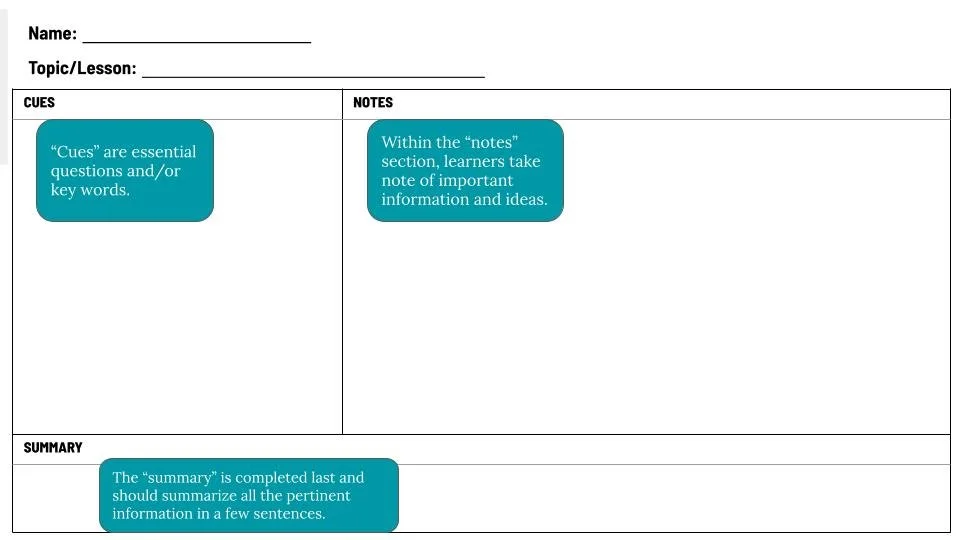
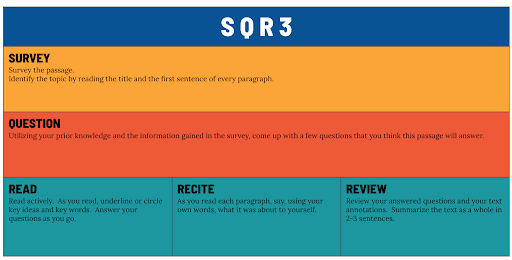
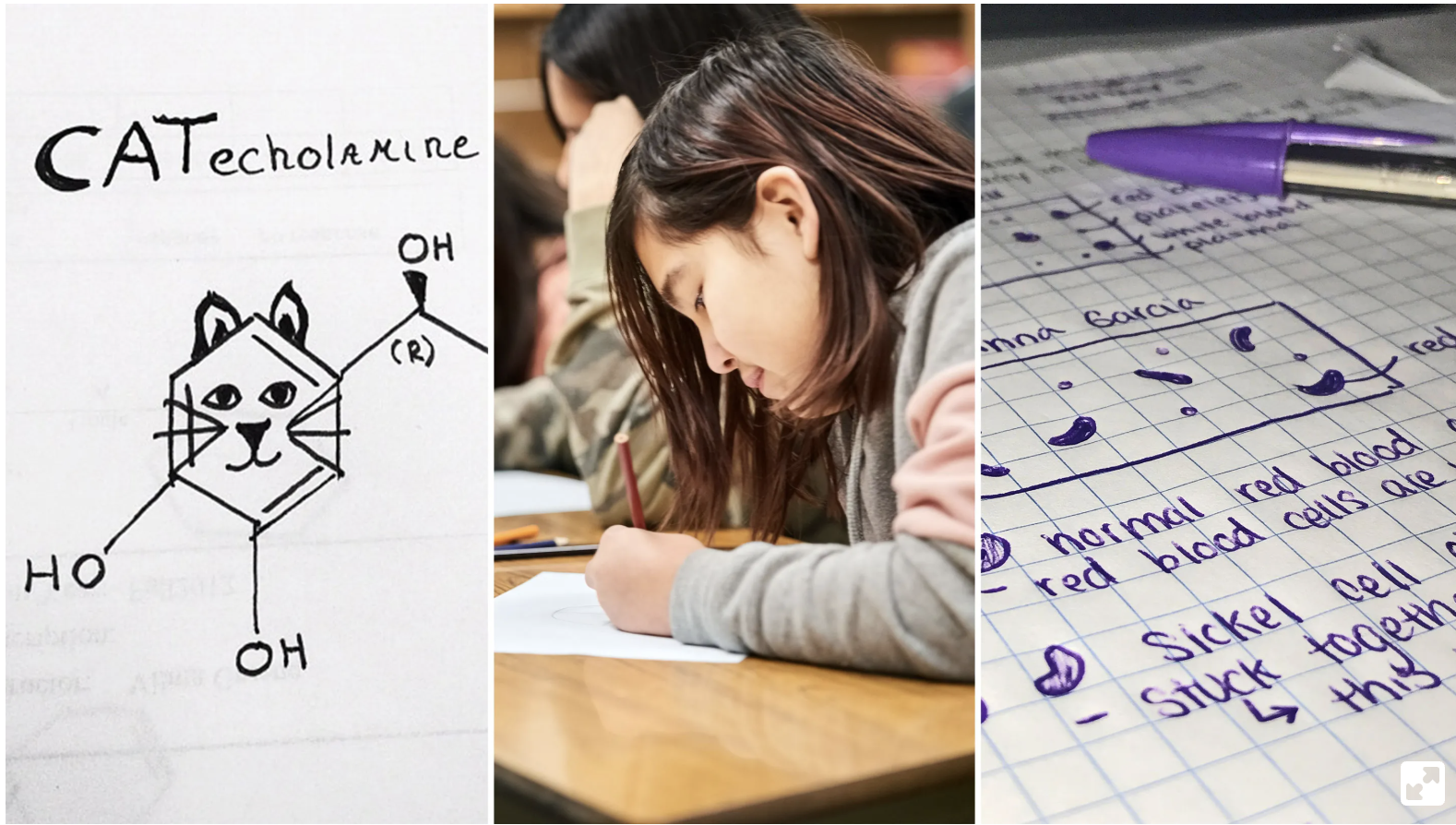
Cornell Notes are a less scaffolded note taking format that allow learners a place to write down facts, questions and summarize what they’ve learned.
SQ3R is a reading comprehension method. The five steps (survey, question, read, recite, review) are meant to help learners gain as much information as they can from a text.
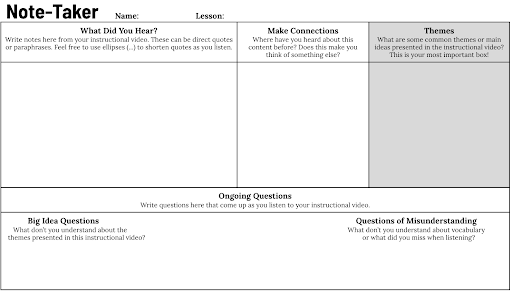
Note Takers allow for students to make connections to what they hear and determine important themes in content. There is also space for ongoing questions.
Teaching Students How to Take Notes
Students may not yet know how to take good notes. It’s important to teach this skill explicitly (Boyle, 2013). Here’s how you can do that:
Model during a Unit Zero, or at the beginning of a new unit. Show students explicitly how to fill in their notes while watching an instructional video.
Cue during the instructional video. At the beginning of an instructional video, show or explain briefly what type of guided notes students should take, and then cue the students throughout the video when they should pause to take notes. Cues may be verbal, visual, or embedded with a tool like EdPuzzle.
Supporting Students With Taking Notes
When it comes to note-taking, students have different needs. Here’s how to meet them all:
Add structure as appropriate. Students may not yet be ready for independent note-taking structures such as Cornell Notes. A scaffolded note-taking method, such as sorted notes, can help students build this skill while improving student understanding of the material (Haydon et al., 2011).
Reduce writing. A less writing-intensive structure, such as skeleton notes, can help students learn the skill of note taking over time.
Provide a notes “answer key”. It can be helpful for students to “check” their notes with a completed copy. This helps students ensure that they’ve taken quality notes while allowing them to reflect on their note-taking skills.
Digitize notes. For students who may have difficulty with writing and/or copying, completing notes in a digital format (and utilizing features such as voice-to-text) lets students focus on the information itself, instead of the act of writing.
Summary: Making Guided Notes Work in a Modern Classroom
In choosing how your students will learn to take notes, it is important to consider:
What type of guided notes will work best for your students and content? Consider how the format of your notes will help students engage with the instructional video and the information presented therein.
What supports do students need to be successful with note taking? Do students need explicit instruction of the note taking format? Or, a set of model notes they can reference?
It is important to plan how you’ll introduce and support guided note-taking as well as creating the guided notes themselves.
References:
Boyle, J. R. (2013). Strategic note-taking for inclusive middle school science classrooms. Remedial and Special Education, 34(2), 78-90. https://doi.org/10.1177%2F0741932511410862
Haydon, T., Mancil, G.R., Kroeger, S.D., McLeskey, J., & Lin, W.J. (2011). A review of the effectiveness of guided notes for students who struggle learning academic content. Preventing School Failure: Alternative Education for Children and Youth, 55(4), 226-231. http://doi.org/10.1080/1045988X.2010.548415
Konrad, M., Joseph, L. M., & Itoi, M. (2011). Using guided notes to enhance instruction for all students. Intervention in School and Clinic, 46(3), 131–140. https://doi.org/10.1177/1053451210378163